The OTP code you were told to read out
The message arrives from the right number, because they caused it to be sent. Why the request itself is the answer, and the one method that cannot be spoken aloud.
 Scamiro
Short answer
An OTP code is a one-time password sent to prove a login is yours, and it is meant to be typed by you into the service that sent it. Anyone asking you to read it out, forward it, or approve a prompt you did not start is asking for the account — the code arrives from the correct number because they triggered a real login with your password.
On this page
The call is from your bank's fraud team. They have spotted a suspicious payment, they are cancelling it, and to confirm you are the account holder they will send a code to your phone — please read it back. The code arrives. The message it came in says, in small text underneath, that nobody from the bank will ever ask for it.
An OTP code is a one-time password sent to you to prove that a login or transaction is yours. It exists to be entered by you, into the service that sent it, and nowhere else. Reading it aloud to anybody — no matter who they appear to be — is the same as handing over the account.
Why the code is worth so much
An OTP code is valuable because it is the last step. Somebody already has your password, from a breach, from reuse, or from a page you typed it into. The code is the only thing standing between them and the account, and it is the only part they cannot obtain without your cooperation.
That is why the call happens at all. The whole operation exists to make you perform the one action they cannot perform themselves, and the pressure is built to fit a short window: the code expires in a few minutes, so the conversation is urgent because it has to be.
A code sent to you is for you to type. Anyone asking you to read it out is asking for the account, whatever they say the code is for.
The message itself usually says so. Nearly every service now includes a line stating that staff will never ask for the code — text that is present at exactly the moment it is being disproved.
What the caller does with it
The sequence for stealing an OTP code is simple, and knowing it removes the ambiguity from the conversation.
- They start a real login to your account, with your username and password.
- The service sends you a genuine code. This is why it arrives from the correct number and looks entirely legitimate — because it is.
- You read it out, believing you are confirming your identity to them.
- They enter it within its validity window and are now inside the account.
The critical detail is step two. The code is real, from the real service, sent by the real system. Its authenticity proves nothing about the person on the phone, because they caused it to be sent.
This also explains a variant that confuses people: being asked to approve a push notification, or to say "yes" to a prompt on your own device. Same mechanism, no code to read.
The specific requests to refuse
Five requests involving an OTP code, each conclusive on its own.
- "Read me the code we just sent." No legitimate organisation does this. Not banks, not exchanges, not delivery firms, not support desks.
- "Approve the notification on your phone." If you did not initiate the action, decline it — an unexpected approval prompt means somebody else is trying to get in right now.
- "Forward this message to us." The same request wearing a different coat.
- "Ignore the wording in the text, that is standard." An explicit instruction to disregard the warning that describes exactly what is happening.
- "Move your money to a safe account." Different attack, same call. No bank has a safe account for you to transfer to.
The fourth is worth recognising as the tell it is. When someone pre-emptively explains away a security warning, they know you are about to read it.
Where the call comes from, and why the number looks right
Caller ID can be set to almost any number, so a call displaying your bank's published line proves nothing at all. This is a property of the telephone network, not a sign of a sophisticated attacker.
Two consequences follow.
A number you dial is trustworthy; a number that dials you is not. The direction is what matters. Hang up and call back on the number printed on your card or the organisation's own website — and use a different phone if you can, or wait a minute, since an open line can occasionally persist.
Being asked for a code proves the call is fraudulent, regardless of the number. You do not need to determine who is calling. The request itself is the answer.
If you need to contact someone back on a number you copied from a message or an email rather than one saved in your contacts, a tool like Espresso: Quick Message opens a conversation from a pasted number without adding it — useful, with the same caveat that applies everywhere here: the number still has to be one you sourced yourself, from the organisation's own published listing.
Making the code less valuable
The durable fix is to reduce what a single OTP code can do.
| Method | Resistant to being read out? |
|---|---|
| SMS code | No |
| Authenticator app code | No — still readable aloud |
| Push approval | Partly — but people tap yes |
| Passkey | Yes |
| Hardware security key | Yes |
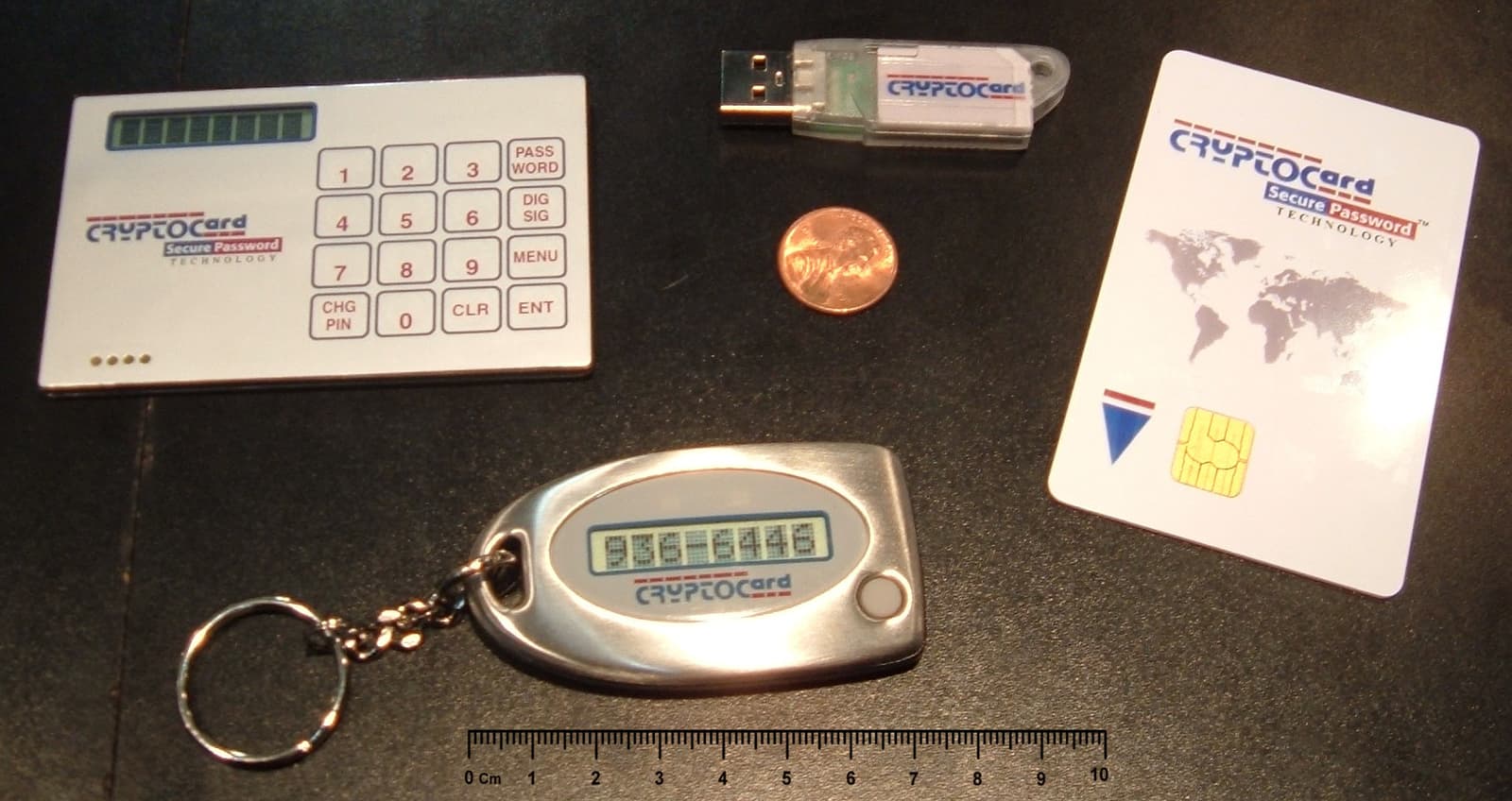
The last two are qualitatively different, and it is worth understanding why: they never produce a value that can be spoken. Authentication happens between the device and the service through a cryptographic exchange bound to the real website, so there is nothing to read out, nothing to forward, and nothing that works on a page pretending to be the real one.
Where passkeys are offered — and they now are, on most major services — enabling them removes this entire category of attack rather than mitigating it. That is a rare property in security advice.
If you already read one out
If you have read an OTP code aloud, move immediately, in this order.
- Change the password on the real service, from its own app or a URL you typed. Do this first, because it invalidates the login they just completed.
- Sign out all sessions. A password change alone does not always end an established session.
- Check recovery details — email, phone, backup codes. Changing these is the standard next step for an attacker, and it is what locks you out of your own recovery.
- Call the bank on a number from your card if money is involved, and say clearly what happened.
- Change the password anywhere you reused it.
- Turn on a passkey or a security key while you are in the settings, so the same call cannot work twice.
Step three is skipped most often and matters most. An attacker who changed the recovery email is still inside the account after your password change, and the window to correct that quietly is short.
More on the pattern in phishing, impersonation of institutions in impersonation, and the number-theft variant in digital safety. The NCSC's guidance on two-factor authentication covers which methods hold up.
The short version
An OTP code exists to be typed by you into the service that sent it. Anyone who asks you to read it out, forward it, or approve a prompt you did not trigger is asking for the account, and the code arriving from the correct number proves nothing because they caused it to be sent.
Refuse the request rather than trying to work out who is calling — the request is the answer. Then hang up, call back on a number from your card, and turn on a passkey, because a passkey produces nothing that can be read aloud at all.
Frequently asked questions
- The code came from the real bank number — doesn't that mean the call is genuine?
- No. The code is real because the caller started a genuine login with your password, which made the service send it. Its authenticity says nothing about who is on the phone.
- How do I know if a caller is really from my bank?
- You do not need to work it out. Being asked to read out a code is itself conclusive. Hang up and call back on the number printed on your card or the organisation's own site.
- Is an authenticator app safer than SMS here?
- Against SIM swapping yes, but not against this. An authenticator code can still be read aloud. Passkeys and hardware security keys are different in kind, because they never produce a value that can be spoken.
- What should I do first if I read a code out?
- Change the password on the real service, then sign out all sessions, then check whether the recovery email or phone was changed — that third step is the one people skip and the one that keeps an attacker inside.
Sources
- Setting up two-factor authentication — UK National Cyber Security Centre
- Passkeys overview — FIDO Alliance
- Espresso: Quick Message on the App Store — Tecno Blocks
Scamiro
Practical online safety guides covering scams, phishing, suspicious links, fraudulent websites, impersonation, social media scams, and digital fraud.
About the publication